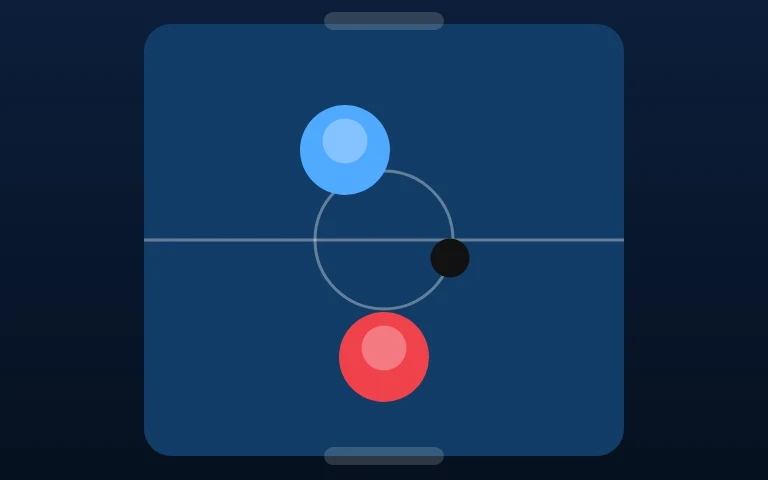
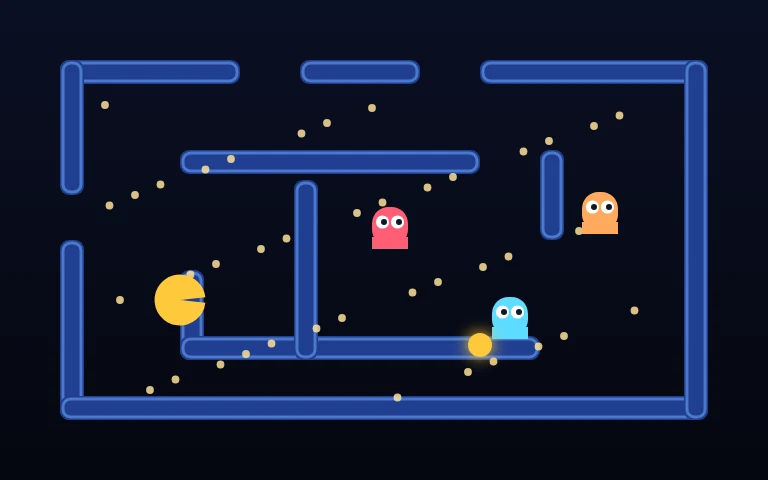
Mobile-first and desktop-first are not layout choices. They are different theories about what a player can do with their hands.
What each input is good at
- Mouse: absolute position, fast and precise, one point. Excellent for aiming at a spot on screen, poor for continuous directional control.
- Keyboard: discrete and repeatable, excellent for direction and timing, useless for pointing.
- Thumb: absolute position but with a large contact patch, and the finger covers what it points at. Good for swipes and taps, bad for precision under the finger.
Notice that the mouse and the thumb share a property the keyboard does not: they are absolute. A game built around "click that thing" ports to touch almost unchanged. A game built around "hold left and jump" does not port at all.
The three porting strategies
Replace the pointer. A mouse-aimed game becomes a tap-anywhere game: the same coordinate, a different limb. This works when the game does not need hover, and when the target is bigger than a fingertip.
Replace the axis. A keyboard game becomes a tilt or swipe game, or it grows on-screen buttons. On-screen buttons are the honest choice for precise platformers, and the dishonest choice for anything that needs a fast diagonal.
Replace the verb. The game keeps its goal and changes its action: dragging becomes tapping twice, aiming becomes choosing a lane. This is the most work and produces the best touch games.
The hidden cost of hover
Desktop games rely on hover more than designers think: highlighting a valid move, previewing a trajectory, showing a tooltip. Touch has no hover state, so every hover-dependent affordance has to become either a persistent visual or an explicit first tap.
That is why so many puzzle games on phones use "select, then confirm" instead of drag-and-drop. It is not a worse design; it is a design that admits fingers are big.
Precision and forgiveness
A mouse can hit a four-pixel target. A thumb cannot. The fix is not to enlarge everything — it is to make near-misses count. Aim assist, generous snap zones and "closest valid target" logic are not cheating; they are how touch games feel fair.
The desktop equivalent is a small amount of input smoothing: a paddle that follows the mouse with a hint of easing feels better than one that teleports to it.
What we do here
Every game on this site runs on one canvas and listens to all three input families. The rules we try to follow:
- One control scheme, explained in one line.
- No hover-only information.
- Buttons at the bottom on phones, where thumbs live.
- Pure keyboard play possible for anything that does not need a pointer.
The test that matters
Hand the game to someone on a phone with the sound off, in a queue, for thirty seconds. If the controls are not obvious in the first five, the port failed — regardless of how many devices it technically supports.